
Missing calls and losing bookings cost small and medium businesses real revenue. Many services demand DIY setup, limit minutes on basic plans, or gate advanced voice and messaging features behind expensive tiers. You can match the leading Syncrise.ai alternatives to your call volume, feature needs and onboarding preference for 2026.
Table of Contents
Swasco
At a Glance
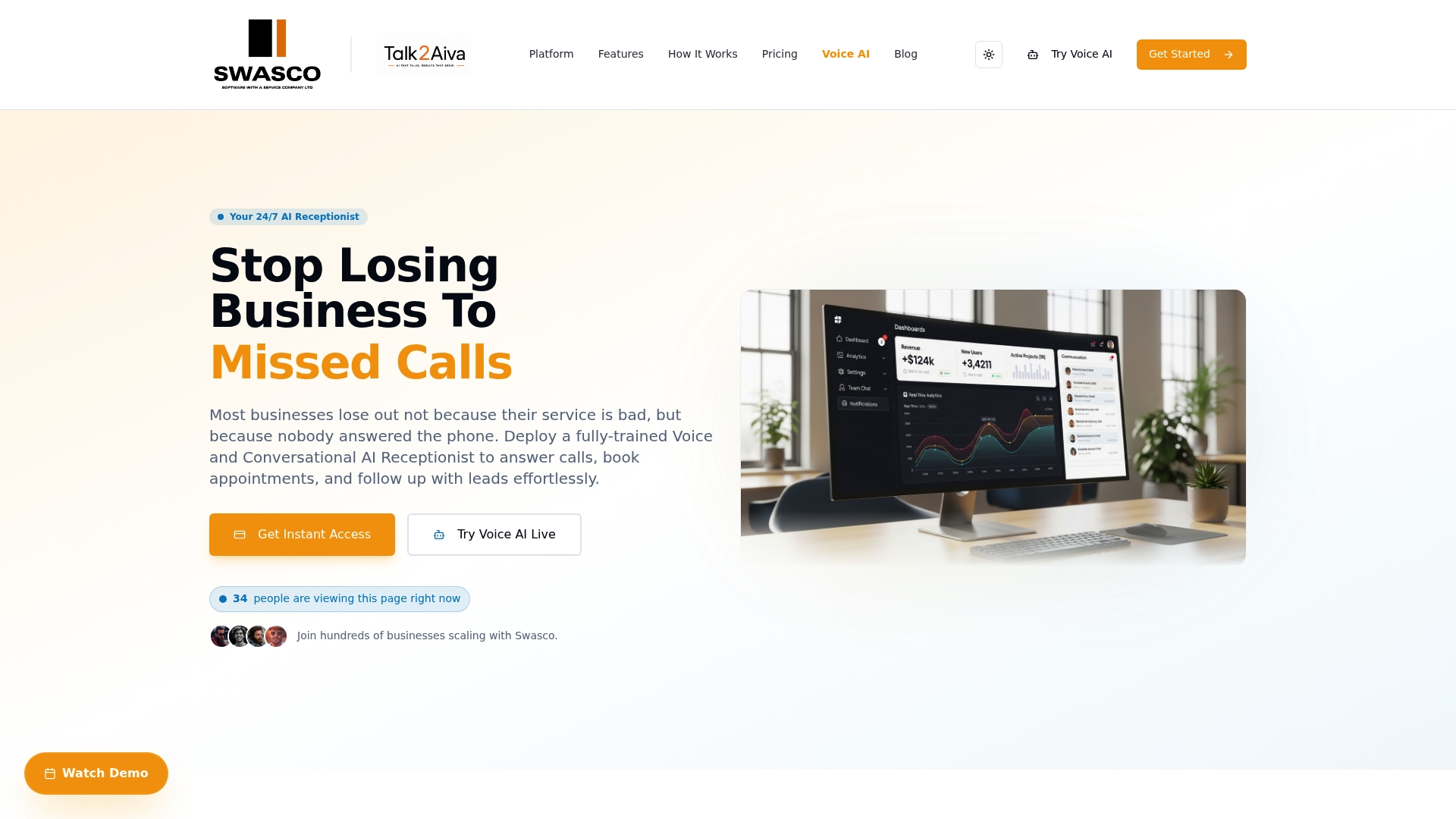
Done-for-you onboarding and ongoing technical support deliver a fully customised AI receptionist that handles calls, bookings and follow-up 24/7. The system covers voice, SMS, website chat and social channels. Multilingual, human-like voice synthesis is included to make interactions feel natural.
Core Features
Swasco provides AI-powered call answering that books appointments and syncs in real time with calendars. It centralises calls, emails, texts and social messages into a single inbox and automates lead follow-up plus review generation. The platform also offers multilingual responses and natural voice synthesis to handle complex conversations across channels.
Key Differentiator
Swasco's defining strength is its done-for-you setup with ongoing technical support, which the vendor describes as part of the package. That service covers onboarding, AI training, workflow building, live launch and ongoing optimisation. The hands-on approach reduces the internal time you must spend configuring voice scripts and routing rules.
Pros
The AI produces human-sounding conversations that handle complex customer requests, reducing the need for a full-time receptionist. The onboarding and support model moves most setup tasks off your plate so your team can keep operating during launch. Consolidating bookings, messages and follow-up in one platform lowers the number of tools to manage. Detailed dashboards make it easier to monitor call handling, booking rates and follow-up activity.
Cons
- Reliant on accurate setup and training for best results.
Notable Integrations
- Google Workspace
- Stripe
- Facebook & Instagram
- Microsoft Outlook
- TikTok Leads
- QuickBooks
Who It's For
Local service businesses and small to medium-sized firms that cannot afford missed calls and lost bookings will find this useful. It suits plumbers, clinics, salons, agencies and similar providers that need always-on reception and simpler tool management. This product fits teams that want vendor-led implementation rather than DIY configuration.
Unique Value Proposition
Multichannel coverage across calls, text, website chat and social media lets Swasco replace several disjointed tools. That lowers ongoing licence costs compared with running separate reception, messaging and calendar apps. For businesses that lose revenue from missed enquiries, the combined coverage and vendor-managed rollout make the switch less risky.
Real World Use Case
A plumbing firm receives emergency calls after hours. Swasco answers, qualifies urgency, places appointments into the live calendar and sends SMS confirmations. Follow-up messages prompt reviews and capture leads that would otherwise go cold.
Pricing
Pricing is subscription-based with tiers named Software Suite, Ultimate AI Suite and Elite AI Suite. Annual discounts are available and the vendor provides exact figures on request. Higher tiers include more automation and add-on features which increase cost.
Website: https://swasco.co.uk
Voksha
At a Glance
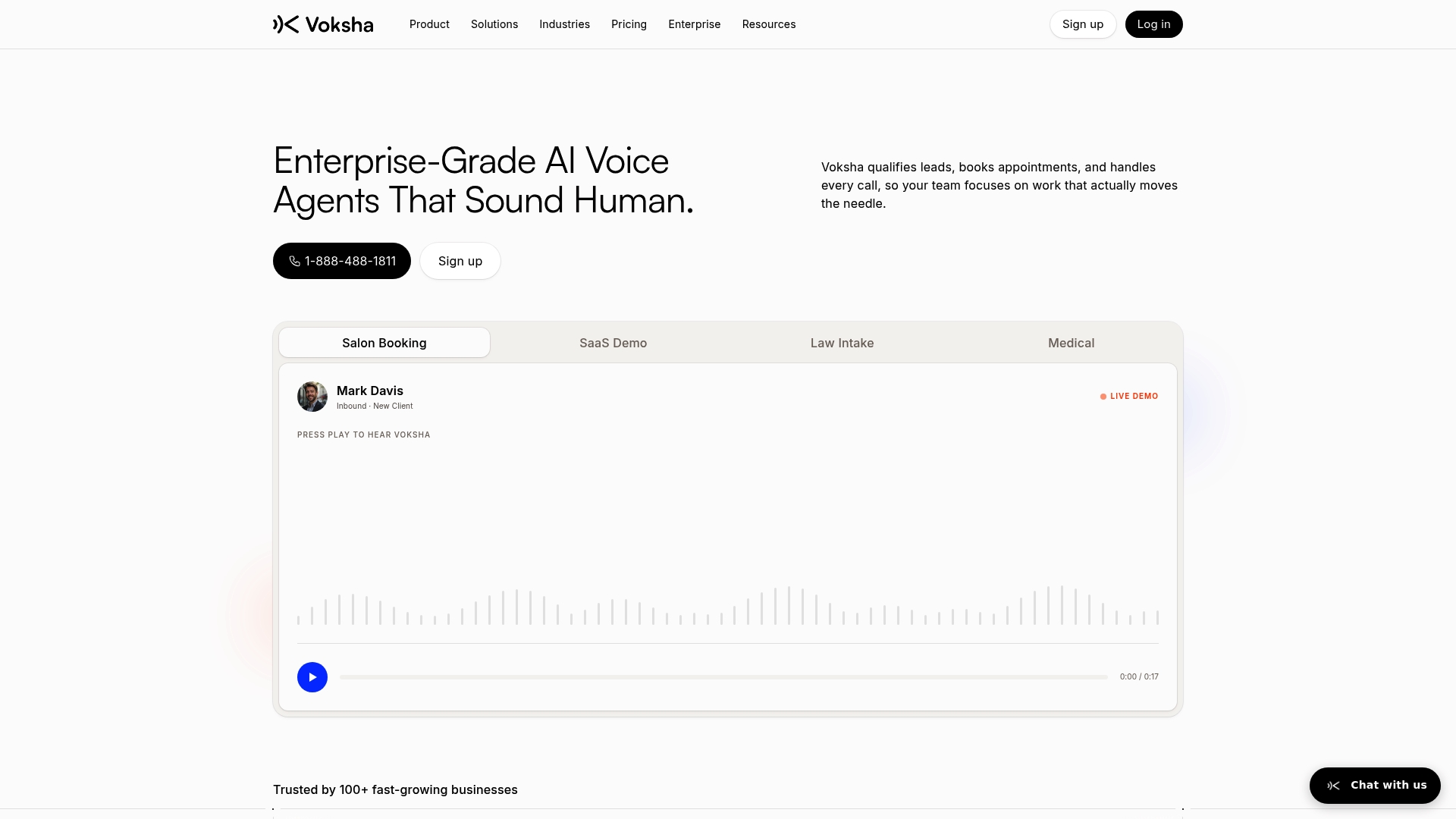
Voksha reports under 200 ms response times for its AI voice agents. The company pairs that speed claim with 24/7 call answering, appointment booking, lead capture, and smart routing. This blend targets organisations that need live-sounding voice agents for high-volume or regulated communications.
Core Features
Voksha delivers human-sounding voice agents that handle call answering, appointment booking, lead capture, call summaries, and structured data delivery. The platform routes calls by caller intent and availability and offers industry-specific fine tuning for sectors such as SaaS, legal, and medical. Voksha's marketing materials state HIPAA and GDPR compliance for secure handling in regulated environments.
Key Differentiator
Voksha focuses on industry-specific, enterprise-grade voice agents trained for department roles and escalation rules. That specialisation sets it apart for organisations needing tailored scripts and escalation workflows rather than generic receptionist replacements. The platform aims to plug into existing systems so teams keep their current CRM and calendar workflows.
Pros
Voksha produces natural, human-like conversations and delivers fast reply times, which helps keep callers engaged and reduces hang-ups. The service scales to handle multiple simultaneous calls without downtime while feeding structured lead data back to your systems. Integrations with common CRM and calendaring tools mean calls can automatically create records, schedule appointments, and update teams without manual work.
Cons
- Complexity may be overkill for very small businesses with minimal call volume. Implementation and customisation add time and effort.
- High customisation and enterprise features often require more onboarding and technical support than basic receptionist tools. Expect a setup period.
- Pricing may matter for startups or very small teams if usage and minutes grow quickly. Monitor minutes to control monthly costs.
When It May Not Fit
If your business takes only a few calls each week, Voksha's feature set and onboarding may prove disproportionate. Small teams without an IT resource may struggle with integrations and initial configuration. Organisations that need a plug-and-play, low-cost virtual receptionist should evaluate simpler options first.
Notable Integrations
- Salesforce
- HubSpot
- Google Calendar
- Outlook
- Calendly
- Clio
- Slack
- Zendesk
Who It's For
Voksha suits small to large businesses that need reliable, custom voice automation with enterprise security. It fits SaaS vendors, healthcare providers, and law firms that require role-based escalation and data capture. Choose Voksha when you need voice agents that map to existing CRM and scheduling workflows.
Real World Use Case
A medical clinic uses Voksha to answer patient calls, qualify symptoms, and schedule appointments overnight. Calls create patient records and calendar bookings, reducing receptionist workload during office hours. The clinic keeps secure record handling while offering round-the-clock responsiveness.
Pricing
Pricing starts at $49/month for the Pro plan and scales to Premium and Enterprise tiers for more minutes, features, and customisation. Contact Voksha for quotes tailored to heavy-minute or enterprise deployments.
Website: https://voksha.com
Rosie
At a Glance
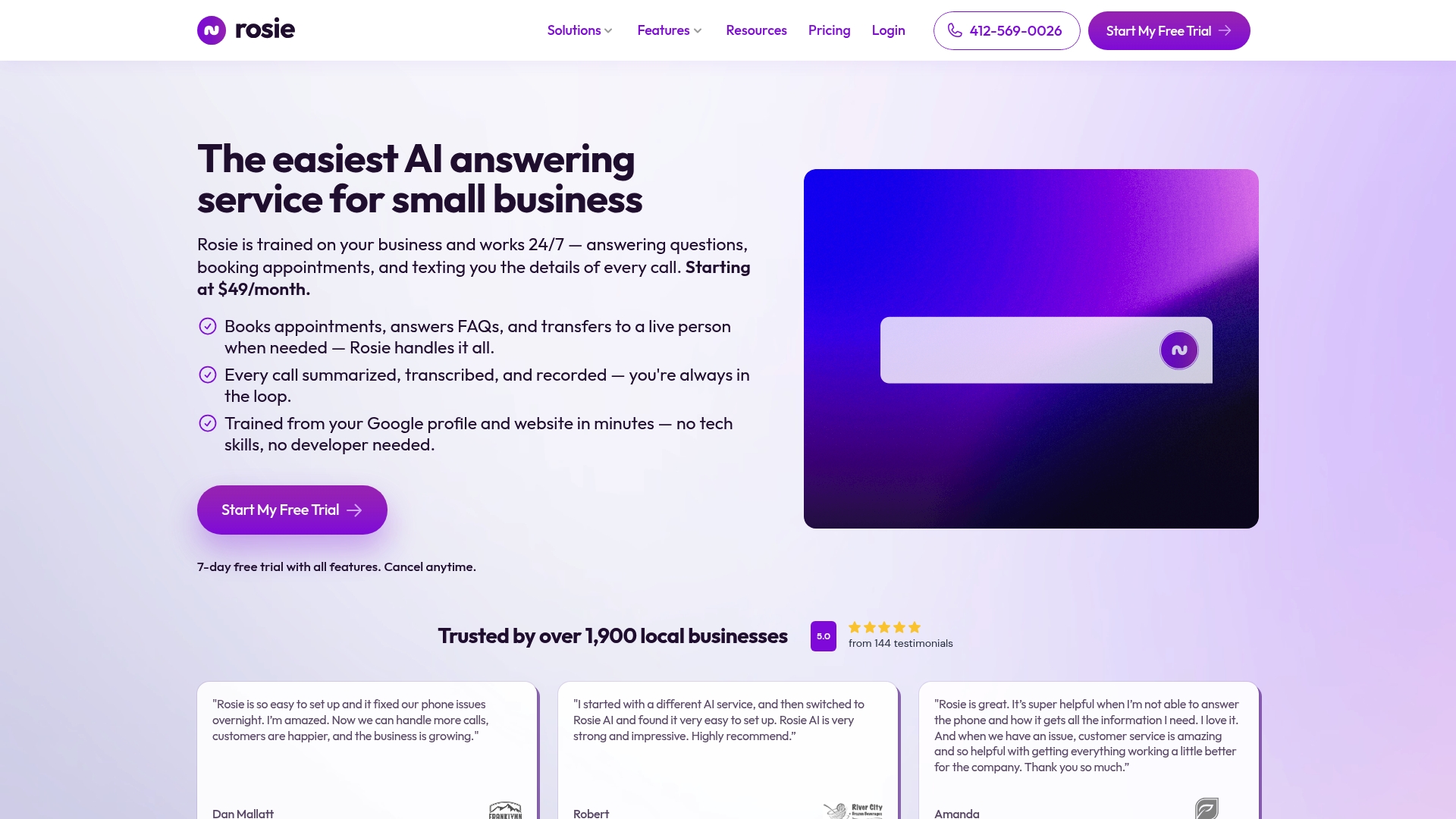
Starts at $49/month and offers call volume options from 250 to 2,000+ minutes per month. Rosie combines 24/7 call answering with appointment booking, call summaries, and mobile apps for iOS and Android. The service trains its AI on your Google profile or website so setup requires no technical skills.
Core Features
Rosie uses AI trained on your business details to answer calls, transfer complex enquiries to staff, and schedule appointments. It provides call recording, transcription, summaries, custom greetings, and multilingual support in English and Spanish. Notifications arrive by email and SMS, and optional add-ons include website chat and texting.
Key Differentiator
The AI learns from your Google profile and website in minutes without technical setup, which speeds initial deployment. That approach makes the product a tight fit for small businesses that want fast setup and low admin overhead. It is less suitable for enterprise contact centres requiring deep custom routing.
Pros
Easy setup lets a nontechnical business owner get live call handling running quickly, and the mobile apps support on-the-go management. The pricing starts at a modest level, so smaller teams can replace expensive outsourced attendants. Multilingual greetings, appointment booking, call transcription, and transfer to live staff keep customer interactions organised.
Cons
- Third-party reviews note limits in handling complex or highly specialised enquiries, which can cause miscommunication.
- Some features such as unlimited message scenarios and waterfall transfers are behind higher-tier plans.
- Initial AI training is quick but requires careful review and testing to reach accurate responses.
When It May Not Fit
You should avoid Rosie if you need human-level handling of technical or regulated enquiries. Large organisations that require detailed enterprise routing or platform-wide analytics will likely find the plan tiers restrictive. If you need unlimited advanced call flows out of the box, higher-tier pricing or a different vendor will be necessary.
Notable Integrations
Rosie connects to Zapier, enabling automated handoffs to CRMs, calendars, and helpdesk tools through Zapier workflows. No other integrations are publicly listed.
Who It's For
Small businesses that want affordable, hands-off call answering and appointment handling will find Rosie suitable. It works well for local service providers that need after-hours coverage and basic lead capture without hiring extra staff. Owners who prefer minimal technical setup will value the quick training process.
Real World Use Case
A local auto repair shop uses Rosie to answer incoming calls, triage FAQs, and book service appointments. Rosie transfers complex diagnostic queries to technicians and sends appointment confirmations by SMS. The shop reduced missed calls and kept more bookings without adding staff.
Pricing
Pricing starts at $49/month for the Professional plan and scales by monthly minutes and add-ons. Call volume tiers cover low to moderate usage, with options up to 2,000+ minutes per month. Some advanced messaging and transfer features require higher-tier plans.
Website: https://heyrosie.com
Comparison of alternatives
The choice between these AI receptionist platforms hinges on the desired level of onboarding support and integration complexity, catering ideally to diverse organisational needs.
Vendor support versus self-service flexibility
Swasco delivers vendor-managed setup, maintaining high levels of support and customisation beyond initial deployment stages. This feature is a notable advantage for businesses without in-house IT resources, enabling swift and integration into existing workflows. In contrast, Rosie offers a highly independent onboarding process with its intuitive AI learning system, suitable for users preferring minimal external dependencies. Businesses requiring rapid or autonomously controlled deployment may find Rosie's approach more aligned with their processes.
High-volume and sector-specific requirements
Voksha stands out for its capacity to manage regulated, high-call-volume environments. With compliance for frameworks like HIPAA and GDPR, this platform is uniquely positioned to meet the needs of organisations in sensitive sectors such as healthcare or legal. This specificity, while potentially over-engineered for small operators, ensures regulated firms benefit from industry-standard security and tailored call management. Meanwhile, Swasco offers extensive lead-generation features that span multiple communication modalities, presenting a alternative for less niche scenarios.
Best fit
- Teams prioritising supported onboarding and ongoing optimisation over self-service configuration.
- Regulated organisations like clinics or firms requiring secure, high-volume communication workflows minimising risks and ensuring compliance.
- Small businesses valuing simple, fast AI-powered call assistance setup that doesn't require technical skills.
Our pick
For businesses seeking a fully supported platform that provides reliable communication coverage and vendor-managed deployment, Swasco presents the best choice. However, entities in sensitive sectors or those valuing technical independence may explore alternatives like Voksha or Rosie respectively depending on their priorities.
Discovering which platform best suits your business' reception and coordination needs requires considering their unique features, strengths, and limitations.
| Product | Key Differentiator | Best For | Pricing | Notable Limitation |
|---|---|---|---|---|
| Talk2Aiva | Done-for-you onboarding and technical support | Small to medium-sized service-focused businesses | Price not published | Relies on accurate initial setup for optimal results |
| Voksha | Industry-specific enterprise-grade customisation | Small to large businesses needing enterprise-level call handling | Starts at $49/month | Complex setup may overwhelm very small businesses |
| Rosie | Quick non-technical setup from business profiles | Local service providers requiring fast, affordable answering solutions | Starts at $49/month | Limited handling of complex or specialised enquiries |
How to Prevent Lost Revenue from Missed Calls and Delayed Responses
Many service-based businesses struggle with missed calls, delayed responses, and unmanaged enquiries that lead to lost revenue. Talk2Aiva by SWASCO offers a done-for-you AI receptionist and revenue recovery system that handles your calls, bookings, and follow-up 24/7 across multiple channels including voice, SMS, website chat, and social media. Its fully guided onboarding and ongoing technical support reduce setup hassle and let your team focus on running your business.
With Talk2Aiva you automate lead handling, centralise messages, and secure more bookings without missing opportunities. To see how Talk2Aiva can help your local service business stop bleeding revenue, visit Talk2Aiva by SWASCO and learn about the system designed for firms like yours.
FAQ
What features make Talk2Aiva ideal for 24/7 call handling?
Talk2Aiva excels in delivering AI-powered call answering, including appointment booking and real-time calendar syncing. Its ability to centralise communication from various channels ensures that all messages and enquiries are handled in one place. Using Talk2Aiva can streamline your operations and minimise missed calls.
How does Voksha compare to Talk2Aiva in terms of industry-specific needs?
Voksha provides tailored voice agents specifically trained for different industry roles, making it a solid choice for organisations requiring specialised customer interactions. Talk2Aiva, while effective, offers a broader AI receptionist service suitable for local service businesses needing comprehensive call coverage without the complexity of deep customisation.
Which platform offers faster response times, Talk2Aiva or Voksha?
Voksha claims under 200 ms response times for its AI voice agents, making it exceptionally quick for high-volume communications. In contrast, Talk2Aiva focuses more on the human-like engagement it offers, which, while slower, enhances overall customer satisfaction through natural conversation.
Can small businesses rely on Talk2Aiva to manage high call volumes?
Yes, small businesses can effectively use Talk2Aiva to manage their call volumes while benefiting from the ongoing support and setup provided by the vendor. This approach allows for a seamless operation that ensures no revenue is lost due to missed calls.
How does Talk2Aiva help with multilingual customer interactions?
Talk2Aiva supports multilingual capabilities, offering natural voice synthesis that caters to customers in multiple languages. This feature broadens your reach and improves engagement with diverse clientele, making it easier to cater to various customer needs.