

Do three things this week and you'll start seeing more reviews land: verify your Google Business Profile and copy the direct review link, ask every client at the chair before sending an automated SMS afterwards, and reply to every review you already have while showing your most recent ones on your booking page.
That's the whole system in miniature. Everything else in this guide is detail on how to run it properly.
- Verify your Business Profile, then grab the shareable review link or QR code from your Google account.
- Ask at the chair, then follow up with a scripted SMS the same day.
- Reply to every review within days and surface recent ones on booking and marketing pages.
Recent reviews carry more weight with customers than raw star ratings: BrightLocal's consumer data, summarised by Shopify, found that most shoppers care more about reviews from the last three months than the total count sitting on your profile. A salon with a good number of recent reviews beats one with a large number of old reviews.
Key Takeaways
Salons that verify their Business Profile, ask at the chair, automate the SMS follow-up, and reply to every review consistently outgrow those relying on one-off requests.
| Point | Details |
|---|---|
| Verify your profile first | Confirm accurate details and grab your review link or QR code before asking anyone. |
| Ask at the chair | The reveal moment carries more goodwill than any digital request sent later. |
| Automate the SMS | Send a same-day text with the link, then one reminder after 48 hours if unanswered. |
| Prioritise recency over totals | Steady weekly reviews matter more to customers than a large but ageing total count. |
| Reply to everything | Respond within days, mention the service or stylist, and escalate complaints offline. |
| Automate with Talk2Aiva | Talk2Aiva triggers review requests post-checkout and centralises replies in one inbox. |
Table of Contents
- How do you get more Google reviews for salons?
- How can you automate review requests at scale?
- When should you ask, and what should you say?
- How should salons respond to and use their reviews?
- What should salons avoid when asking for reviews?
- Why does a steady review habit change outcomes?
- Automate the ask without adding to your workload
- Frequently asked questions
- Sources
How do you get more Google reviews for salons?
The salons that consistently pull in new reviews aren't doing anything mysterious. They've built a repeatable system: ask at the right moment, make leaving a review effortless, and automate the follow-up so nothing depends on a busy stylist remembering. Here's the full toolkit, in the order that actually moves the needle.
- Claim and verify your Google Business Profile. This is non-negotiable groundwork. Google's own guidance confirms you need an accurate, verified Business Profile before any review request will land correctly, and outdated hours or a wrong address quietly costs you trust before a client even reads a review.
- Grab your review link and QR code. Inside your Business Profile dashboard, generate the "get more reviews" short link and QR code, then keep it somewhere staff can access instantly, not buried in a folder nobody opens.
- Ask at the chair. The moment a client sees the finished result in the mirror is the highest goodwill point in the entire visit. A simple "if you love it, would you mind popping a Google review for us?" beats any digital nudge sent hours later.
- Automate the SMS follow-up. Send a short text within an hour of checkout with the direct link, then one polite reminder if there's no response within 48 hours.
- Prioritise SMS over email. Texts get opened and clicked at a far higher rate than salon marketing emails, which mostly sit unread.
- Use physical cues at the station. A small QR card taped to the mirror or tucked into an aftercare card catches clients while they're still in a good mood.
- Add review prompts to receipts and confirmation texts. Fresha and similar booking platforms already support this natively, so check what your current system offers before building something new.
- Put a review CTA on your booking page and website. Embed your latest reviews with a tool that syncs to your Business Profile, and always get reviewer consent before quoting anyone by name.
- Time requests by service type. A quick fringe trim can be asked about same day; colour clients often need two to four days to properly judge the result before they're ready to write anything meaningful, according to salon-specific guidance from Kaisah.
- Give unhappy clients a private channel first. A short feedback form routes low satisfaction away from a public review and towards you, so you can fix the problem before it becomes a one-star post.
- Encourage detail, not scripted wording. Ask clients to mention the service or stylist by name. Never tell them what to write.
- Track review velocity and recency, not just your star average. A steady trickle of two or three new reviews a week outperforms one dramatic push that goes quiet for months.
- Train every stylist on the exact ask, not just the owner or manager.
- Test small wording tweaks on your SMS template and watch which version gets more clicks.
- Review your Business Profile monthly for accuracy, especially opening hours around holidays.
Pro Tip: Put the review QR code on the card you hand over with retail product recommendations. Clients associate that moment with a positive, helpful interaction, not a sales push, which makes them far more receptive to the ask.
How can you automate review requests at scale?
Manually chasing reviews works for a one-chair salon. Beyond that, you need a system that fires automatically every time a client checks out, without relying on a stylist's memory at the end of a twelve-hour day.
The flow itself is simple: your booking system marks the appointment complete, that triggers an SMS containing the review link, a single reminder goes out after 48 hours if there's no click, and every reply, positive or negative, lands in one place for you to answer.
- Booking software needs to talk to your SMS provider, so completed appointments trigger the message without manual entry.
- Your review link or QR code sits inside that automated text, one tap and the client is on your Google listing.
- A unified inbox catches replies, DMs and review notifications together so nothing gets missed across five different apps.
Salon owners piloting this kind of automated flow, as Brooke Locke's playbook on scaling salon reviews describes, typically start with one or two stylists before rolling it out salon-wide. That gives you a clean test group to judge whether your message template is actually converting.
| Metric | What to watch |
|---|---|
| Messages sent | Total automated review texts sent per week |
| Click rate | Percentage of clients who tap the review link |
| Conversion rate | Percentage of clicks that become published reviews |
| Weekly new reviews | Fresh reviews added, tracked against your recency goal |
Start with the checklist: pick one stylist, run the automation for two weeks, check your click and conversion numbers, then adjust the wording before expanding to the whole team. A tool like Talk2Aiva can run this entire sequence without you touching a spreadsheet, but even a basic SMS platform paired with a booking app gets you most of the way there.
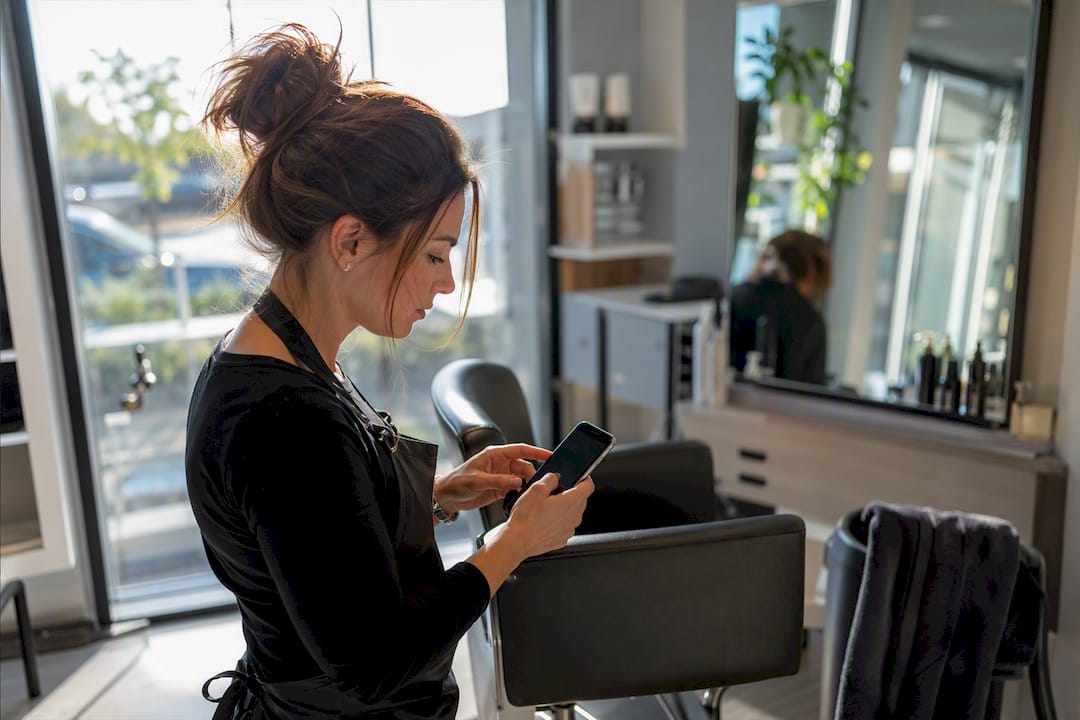
Pro Tip: Keep a spreadsheet for your first month, even if you're using automation software. Seeing the click and conversion numbers side by side quickly tells you whether your SMS wording needs work.
For more detail on why texts outperform email for this exact use case, this guide to SMS reminders for salons breaks down open rates and timing.
When should you ask, and what should you say?
Timing decides whether a request gets answered or ignored. Ask too early and the client hasn't formed an opinion yet; ask too late and the moment's gone.
- The chair reveal, right as the client sees the finished cut or colour in the mirror.
- Straight after rebooking, while they're already committed and feeling good about coming back.
- After a positive DM or tagged selfie, when they've already told you they love the result.
- Two to four days post-colour, once they've lived with it and can judge how it's holding up.
- In-person script: "You look brilliant! If you've got thirty seconds, a Google review would mean a lot to us."
- SMS template: "Hi [name], thanks for coming in today! If you loved your visit, we'd really appreciate a quick review: [link]"
- Ask for detail naturally: "Mention what service you had if you get a chance, it helps other clients find the right treatment."
- Gentle 48 hour reminder: "Just a quick nudge, no pressure! Here's the link again if you have a moment: [link]"
- Aftercare check-in alternative: "How's your colour settling in? If you're happy, we'd love a review: [link]"
How should salons respond to and use their reviews?
Replying to reviews isn't optional admin, it's part of the ask itself. Google's own guidance is clear that prompt, genuine replies build trust and signal to future clients that someone's actually paying attention.
Aim to respond within a few days of every review landing, good or bad.
- Positive review reply: "Thank you so much, [name]! So glad you loved your [service] with [stylist]. See you next time!"
- Negative review reply: "We're sorry to hear this, [name]. We'd really like to make it right, please call or email us directly."
- Serious complaints should move offline immediately. Offer a call, a refund, or a redo rather than arguing in the comments.
- Mentioning the service or stylist by name in your reply helps future clients searching for that exact treatment find you.
Once you've got a healthy flow of positive reviews, put them to work. With reviewer consent, feature quotes on your homepage, your booking page, and social posts. A checklist for monitoring and responding to salon reviews covers cadence in more depth if you want a printable version for your team.
Pro Tip: Screenshot your best reviews monthly and drop them into a folder your social media person can pull from. Reviews mentioning a specific stylist by name make brilliant Instagram Stories content.
What should salons avoid when asking for reviews?
Google's rules here are strict and worth respecting: no paid reviews, no gating (only asking happy clients while filtering out unhappy ones), and never scripting exactly what a reviewer should type, as Google's own tips confirm.
- Sudden spikes in near-identical reviews look suspicious and can trigger a Google audit.
- Offering discounts or freebies in exchange for reviews breaches Google's policy and risks profile penalties.
- Use a private feedback form for unhappy clients rather than blocking them from the public review path entirely.
- Flag genuinely fake or abusive reviews through your Business Profile's reporting tool rather than arguing publicly.
Steady weekly growth, not one dramatic burst, is what protects your profile long term.
Why does a steady review habit change outcomes?
Salons that treat reviews as a one-off campaign always plateau. The ones that win treat it as a daily habit built into checkout, not a task somebody remembers when bookings dip.
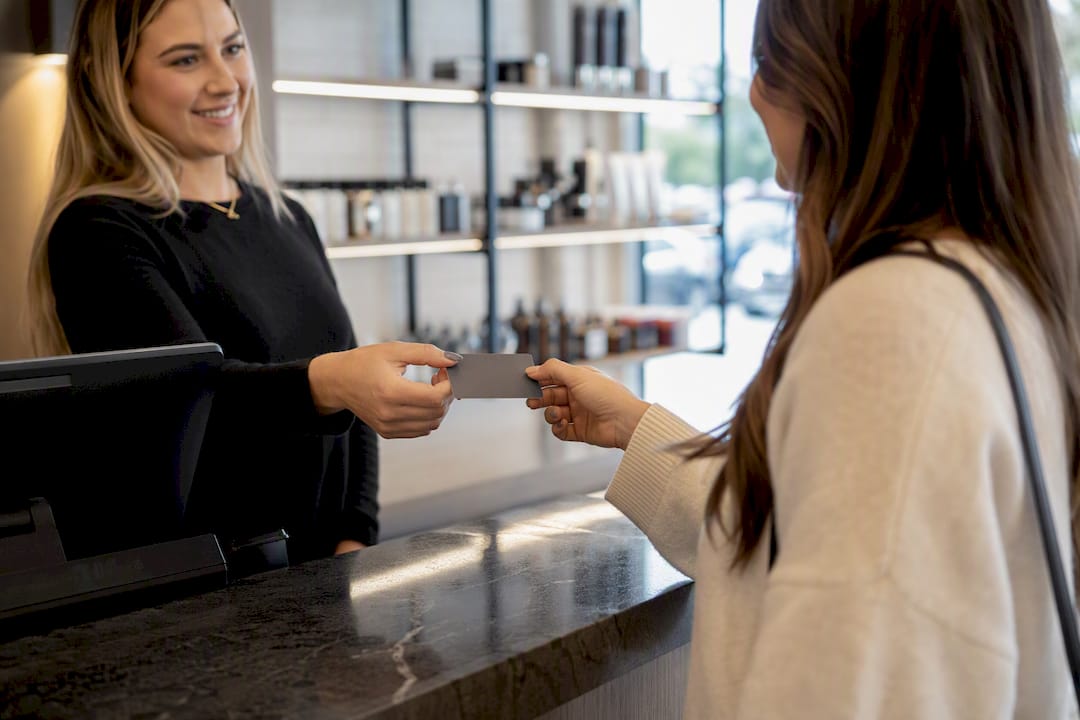
The single biggest mistake owners make is asking only their favourite clients. Ask everyone, every time, and let the automation catch what the chair moment misses.
Automate the ask without adding to your workload
Every tactic in this guide works, but running it manually across a full team, every single day, is where most salons quietly give up after a few weeks. Talk2Aiva handles the part that usually falls through the cracks: automatically triggering a review SMS the moment an appointment is marked complete, sending the single follow-up reminder, and dropping every reply into one inbox so nothing gets missed between five different apps.

You don't need to overhaul your whole salon to test this. Pick one or two stylists, connect your booking system, and measure your click and conversion numbers over two weeks exactly as outlined above. If you're currently doing this by hand, or not at all, that pilot alone usually reveals how many reviews you're leaving on the table. Talk2Aiva's setup and support are built in, so you're not left configuring SMS triggers alone. Book a look at how it works and see whether it fits your current booking software.
Frequently asked questions
How many Google reviews does a salon need to rank well locally? There's no fixed number Google publishes, but consistent weekly growth and recent activity matter more than hitting a specific total.
Can I offer a discount for a Google review? No. Google explicitly prohibits incentivising reviews, and offering rewards risks having reviews removed or your profile flagged.
What's the best time to ask a client for a review? Right at the chair reveal, followed by an automated SMS the same day, converts best for most services.
Should I respond to negative reviews publicly? Yes, briefly and professionally, then move the specific complaint to a phone call or email to resolve it properly.
Does review response speed actually matter for rankings? Prompt replies build trust with future customers reading your profile, and Google's own guidance treats active engagement as a positive signal.
Sources
- To make it easier for customers to leave reviews on your Business Profile — Google Business Profile Help
- Tips to get more reviews - Google Business Profile Help
- How to get more Google reviews — Shopify blog
- How to Get Google Reviews for Your Salon at Scale — Nick Mirabella