
Automating class bookings cuts admin time, reduces no-shows and increases rebookings, usually within the first month of switching. The fastest route is to trial an all-in-one booking flow or a guided AI receptionist like Talk2Aiva and run a short pilot before committing to a full rollout.
Whichever route you choose, expect these core components to work together automatically:
- A booking page clients use to self-select a class and time
- Capacity control that closes a session once it's full and opens a waitlist
- Online payments taken at the point of booking
- Reminder sequences across email and SMS with integrated reschedule links
- Calendar sync so instructors never get double-booked
- Waitlist management that fills cancelled spots without a phone call
Pro Tip: Don't automate everything on day one. Pick your busiest class type, run it through the new system for two weeks, then expand once you've ironed out the kinks.
TL;DR:
- If your team spends more than a few hours weekly managing bookings and payments manually, automation can significantly reduce admin time and errors.
- Implementing multi-channel reminders with embedded reschedule links can cut no-show rates by up to 50 percent, often covering software costs within weeks.
- Prioritize testing core automated features like calendar sync, payments, and reminders with a small pilot before scaling to prevent costly mistakes.
- Ensure your chosen platform supports secure data handling, including GDPR compliance, and separates marketing opt-ins from booking confirmations.
- Using guided solutions like Talk2Aiva, which offer done-for-you onboarding and follow-up automation, minimizes setup work for small teams.
Table of Contents
- What class bookings automation actually does for your business
- When should you switch from spreadsheets to automated booking?
- How do you choose the right class booking automation system?
- Step-by-step: migrating from spreadsheets to automated bookings
- What privacy and data-handling rules apply to automated bookings?
- Launch checklist and mistakes to avoid
- What most advice on class automation gets wrong
- How Talk2Aiva handles bookings, follow-ups and missed enquiries
- Key Takeaways
- Sources
What class bookings automation actually does for your business
Automation doesn't replace your class schedule. It replaces the manual work of running it. Recurring sessions get created once and repeat automatically, with seat limits enforced in real time so nobody turns up to a class that's already full. When a spot opens, the next person on the waitlist gets notified within seconds, not whenever a member of staff checks a spreadsheet.
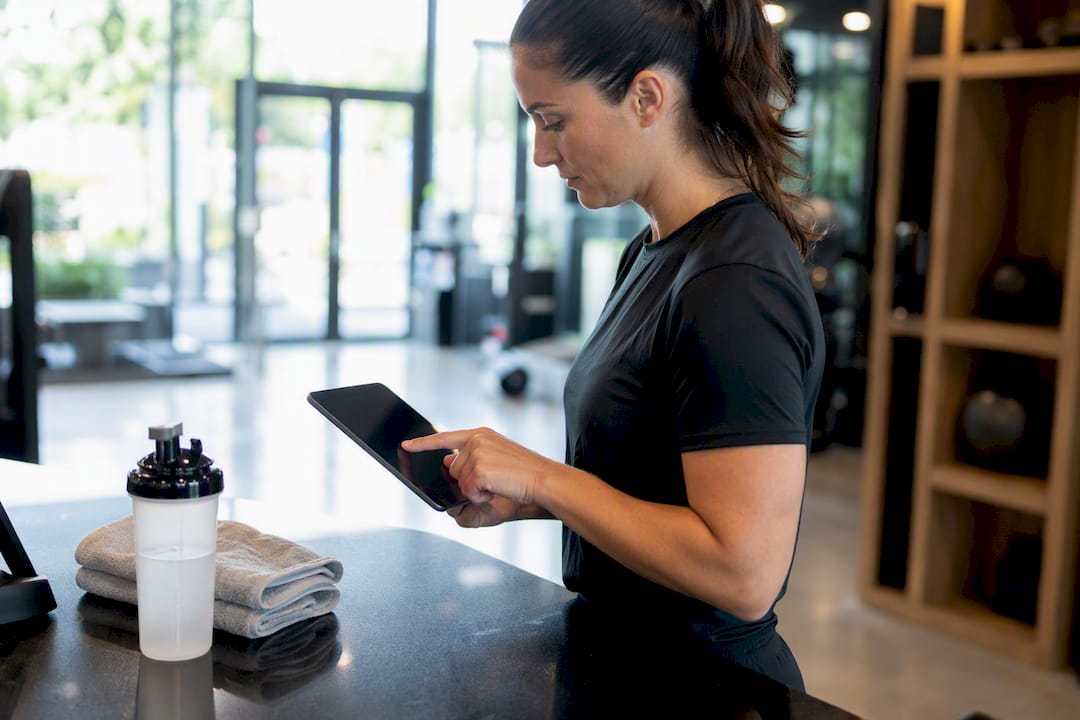
Payments move to the point of booking. Clients pay when they reserve a seat, which removes the awkward conversation about outstanding balances and gives you cash flow visibility you didn't have with pay-on-arrival systems. Most class booking platforms let you set capacity, build recurring sessions, and take payment automatically, so bookings can happen at 11pm on a Sunday without anyone on your team lifting a finger.
Reminders are where automation earns its keep fastest. A well-built sequence combining email and SMS, with a reschedule link embedded in every message, does more than nudge attendance. It gives a client who genuinely can't make it an easy way to move their booking instead of just not showing up.

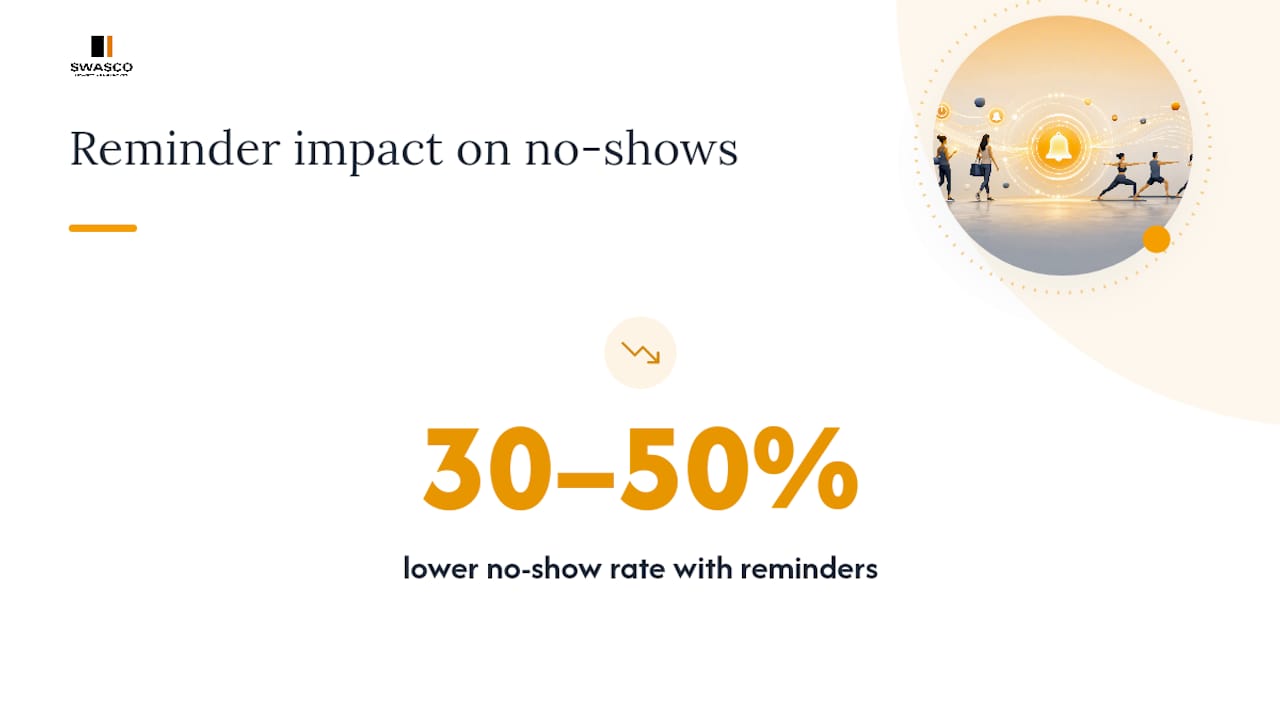
The numbers back this up. Consistent reminder sequences typically produce a 30 to 50 percent difference in no-show rates between reminded and non-reminded sessions. That gap alone often covers the cost of the software within weeks.
The rest of the stack matters too. Calendar sync with Google or Outlook stops the double-bookings that happen when one instructor manages three separate diaries. For virtual or hybrid classes, automated video links mean attendees get one-click access without anyone manually pasting a Zoom link into a confirmation email. Layer in CRM and email marketing integrations, plus attendance reporting, and you get a system that tells you which classes are actually profitable, not just full.
When should you switch from spreadsheets to automated booking?
Spreadsheets work fine until they don't. The trouble is that most studio owners keep pushing through the pain long after the signs are obvious, because switching feels like a bigger job than it actually is. Watch for these indicators:
- You're losing measurable admin hours. If someone on your team spends more than a few hours a week manually confirming bookings, chasing payments or updating a shared spreadsheet, that's a direct cost you can quantify.
- Double-bookings keep happening. One instructor, two class systems, and a shared calendar nobody updates in real time is a recipe for turning up to an empty room, or an overcrowded one.
- Invoices and attendance don't match. If you regularly have to reconcile who actually paid against who actually showed up, your payment and booking systems aren't talking to each other.
- You've added complexity. Multiple instructors, membership tiers, or a mix of online and in-person classes all multiply the coordination problem a spreadsheet was never designed to solve.
- Clients are complaining about the booking experience. Frequent cancellations, payment friction, or a rise in complaint volume usually means the process is the problem, not the class itself.
- You're planning to grow. Adding a second location or launching a subscription product on top of a manual system usually means building the same mess twice.
Any one of these is a nudge. Two or three together mean you're already paying the manual tax, you just haven't totted it up yet.
How do you choose the right class booking automation system?
Vendor demos all sound similar on the surface. The differences that matter show up when you ask specific questions, not when you watch a generic feature tour.
Core criteria to score against:
- Support for your event types (recurring classes, one-off workshops, private sessions)
- Real capacity controls with automatic waitlist promotion
- Integrated payments, including partial or subscription billing
- Two-way calendar sync, not just a one-way export
- Multi-channel reminders (email and SMS, not just one or the other)
- Integrations with your existing CRM, email marketing tool and accounting software
- Attendance and revenue reporting you can actually read without a spreadsheet export
- Clear security and data-handling terms
Questions worth asking on every demo:
- Can I export my full client and booking history if I ever leave?
- What does onboarding actually include, and who does the setup work?
- Where is a data processing agreement, and does it cover UK GDPR requirements?
- Can reminders go out by SMS as standard, or is that a costly add-on?
- Is there a trial period, and does it include full feature access or a limited version?
Red flags that should end the conversation:
- No straightforward way to export your own data
- Pricing that only becomes clear after a sales call
- Reminders limited to a single channel with no SMS option
- No data processing agreement available on request
- No role-based access controls, meaning every staff member sees everything
For a small team, weighting matters as much as the checklist itself. A fully self-serve platform can be cheaper on paper, but if nobody in your business has spare hours to build workflows and troubleshoot integrations, that saving evaporates fast. Buyer roundups covering course and class booking systems consistently show that the feature set matters less than whether someone actually gets it configured correctly. A guided setup, where onboarding and workflow-building are done for you, tends to close the gap between buying software and actually using it.
Pro Tip: Ask any vendor to show you the exact screen a client sees when rescheduling. If it takes more than two clicks, your no-show rate won't improve much no matter how good the reminders are.
Step-by-step: migrating from spreadsheets to automated bookings
Treat this as a short project, not a switch you flip overnight.
- Audit your current data and process. List every field you actually need: contact details, payment history, health or injury notes, attendance records. Don't carry across fields nobody uses.
- Export and map your data. Pull CSVs from your spreadsheet and calendar feeds from whatever system you're using now. Map each column to its new field and run a small test import before touching live data.
- Run a pilot cohort. Choose one class or one instructor's schedule. Turn on reminders and reschedule links, then measure no-show and rebooking rates against your historical baseline.
- Train staff and communicate the change. Give your team a short walkthrough of the new booking page and confirmation flow, and tell clients what's changing before their next booking, not after.
- Run parallel systems briefly. Keep your old process running alongside the new one for one full billing cycle so nothing falls through the cracks.
- Monitor and set 90-day targets. Track admin hours saved, no-show rate change, and waitlist fill rate weekly for the first month, then monthly after that.
Keep this checklist handy through the pilot phase:
- Calendar sync tested with a real double-booking attempt
- At least one live payment transaction processed and refunded
- Reminder templates reviewed for tone and reschedule link visibility
- Staff roles and permissions set before go-live, not after
What privacy and data-handling rules apply to automated bookings?
Class businesses collect more sensitive information than most owners realise. Health questionnaires, injury notes and attendance logs are all personal data, and in the case of health details, they're a special category under UK data protection law. Pilates and similar studios that move booking online need to think through these obligations properly, not bolt on a generic privacy policy from a template site.
Operational processing, taking a booking, sending a confirmation, isn't the same as marketing. You typically don't need separate consent to send someone a class reminder they booked, but you do need explicit opt-in before adding them to a promotional email list. Conflating the two is one of the most common mistakes studios make when they automate.
Multi-channel reminders reduce no-shows by 30 to 50 percent, but every extra channel is another place client data lives, so vendor due diligence matters as much as the reminder copy itself.
Before signing with any provider, check the following:
- Does the vendor provide a data processing agreement on request?
- What's their stated data retention period, and can you set your own?
- Can you restrict which staff members see health or injury notes?
- Does their privacy documentation match what actually happens when you book a class?
Practically, that means updating your own privacy notice to reflect the new system, separating marketing opt-ins from booking confirmations, and limiting instructor access to sensitive notes on a need-to-know basis. Businesses using third-party booking software remain responsible for explaining that data-sharing arrangement to clients, even when the platform itself handles the technical processing. Guidance aimed specifically at fitness operators, such as this practical GDPR guide for gyms, is worth reading before you finalise a vendor.
Launch checklist and mistakes to avoid
A clean launch comes down to testing the boring bits before clients ever see them.
Run through this before go-live:
- Calendar sync tested across every instructor's diary
- A real payment transaction processed end to end
- Reminder templates checked on both email and SMS
- Staff roles and cancellation rules configured
- Booking page tested on mobile, not just desktop
Mistakes that catch businesses out most often:
- Privacy wording that doesn't match what the booking system actually does
- Collecting more health data than the class genuinely requires
- Reminders without a reschedule link, so clients cancel instead of moving
- Relying on a single reminder channel when SMS consistently outperforms email alone
Measure success with the numbers that matter: admin hours saved, the drop in no-show rate, how quickly waitlists fill cancelled spots, and revenue recovered from rescheduled bookings rather than lost ones.
What most advice on class automation gets wrong
Most guides on this topic treat automation as a feature-comparison exercise, weighing calendar sync against payment processing against reporting dashboards. That's not wrong, but it's not where small businesses actually lose. They lose in the gap between buying a platform and someone on the team actually finding the hours to configure it properly.
The conventional advice underrates onboarding and overrates the feature list. A studio with three staff members doesn't need forty integrations. It needs someone to build the reminder sequences, set up the reschedule links, and make sure the booking page works on a phone, on day one, not after three support tickets.
If I had to prioritise one thing from everything covered here, it's the reschedule link. It's the cheapest feature to implement and the one most businesses skip, yet it's the single change most likely to turn a no-show into a rebooking rather than a gap in your revenue. Get that right before you worry about which CRM you're integrating with.
— James Paul
How Talk2Aiva handles bookings, follow-ups and missed enquiries
If the migration steps above sound sensible but daunting for a small team, that's exactly the gap Talk2Aiva by SWASCO is built to close. Rather than handing you another platform to configure yourself, Talk2Aiva works as a guided AI receptionist that answers calls, texts, website chat and social media messages around the clock, books the appointment straight into your calendar, and follows up automatically with confirmations and review requests.

Where most booking software leaves onboarding to you, Talk2Aiva's setup, AI training and workflow building are done for you, with ongoing optimisation and technical support included rather than sold as a separate add-on. That matters most for the businesses this article is written for: teams without a spare pair of hands to spend a week configuring integrations. A pilot typically starts with mapping your current enquiry flow, connecting your calendar, and letting Talk2Aiva handle a slice of your incoming bookings for a trial period before full rollout. If you want to see how it would handle your specific booking volume, book a demo with Talk2Aiva and bring your current no-show numbers to compare against.
Key Takeaways
Automating class bookings works because it removes manual admin, closes the no-show gap with reschedule links, and lets clients book and pay without waiting for a reply.
| Point | Details |
|---|---|
| Reminders cut no-shows | Multi-channel reminders with reschedule links produce a 30 to 50 percent difference in no-show rates. |
| Switch on measurable signs | Lost admin hours, double-bookings and invoice mismatches all justify moving off spreadsheets. |
| Pilot before full rollout | Test one class cohort with reminders and reschedule links enabled before migrating everything. |
| Privacy needs active management | Update your privacy notice, separate marketing consent, and confirm your vendor's data processing agreement. |
| Guided setup reduces risk | Talk2Aiva pairs booking and follow-up automation with done-for-you onboarding, suited to teams with no spare setup time. |
Sources
- Privacy notices and client consent for UK pilates studios
- Online class scheduling software for group sessions | Setmore
- Zoho Bookings